Your competitors tell you their entire paid strategy for free, every day, and most marketing teams never look. The Facebook Ad Library, now officially the Meta Ad Library, is a public database of every ad running across Facebook, Instagram, Messenger, and the Audience Network. No account, no scraping, no budget.
This guide covers what the library shows, what it deliberately hides, and how to turn a browsing session into a creative brief your team can actually run.
Key takeaways
- The library shows every active ad for any Page, including the creative, the start date, and the platforms it runs on.
- It does not show spend for commercial ads. Only political and social issue ads carry spend ranges and demographics.
- Run duration is the signal. An ad live for four months is an ad that pays for itself.
- Ads vanish when they stop running, so competitive history only exists if you capture it on a schedule.
Video: the Facebook Ad Library in nine minutes
If you have never opened the library, this walkthrough shows the screen, the filters and the one heuristic that matters most.
Three things worth taking from it:
- Run time is the signal. Her rule, and ours: an ad that has been running for months is one the advertiser keeps paying for. Filter active ads and sort your notes by start date.
- Search by Page, then by keyword. Searching a competitor's Page shows their full roster; a keyword search ("email newsletter", "SaaS") shows how a whole category is pitching.
- Read the creative type and the call to action across brands, not per ad. If five competitors switched to video with "Sign up", that is a category move, and it is what your brief should answer.
The one thing the video skips: the landing page. Half the information is where the ad sends people. Open every winning ad's link and log the offer, as in step 1 below.
What the Facebook Ad Library actually shows you
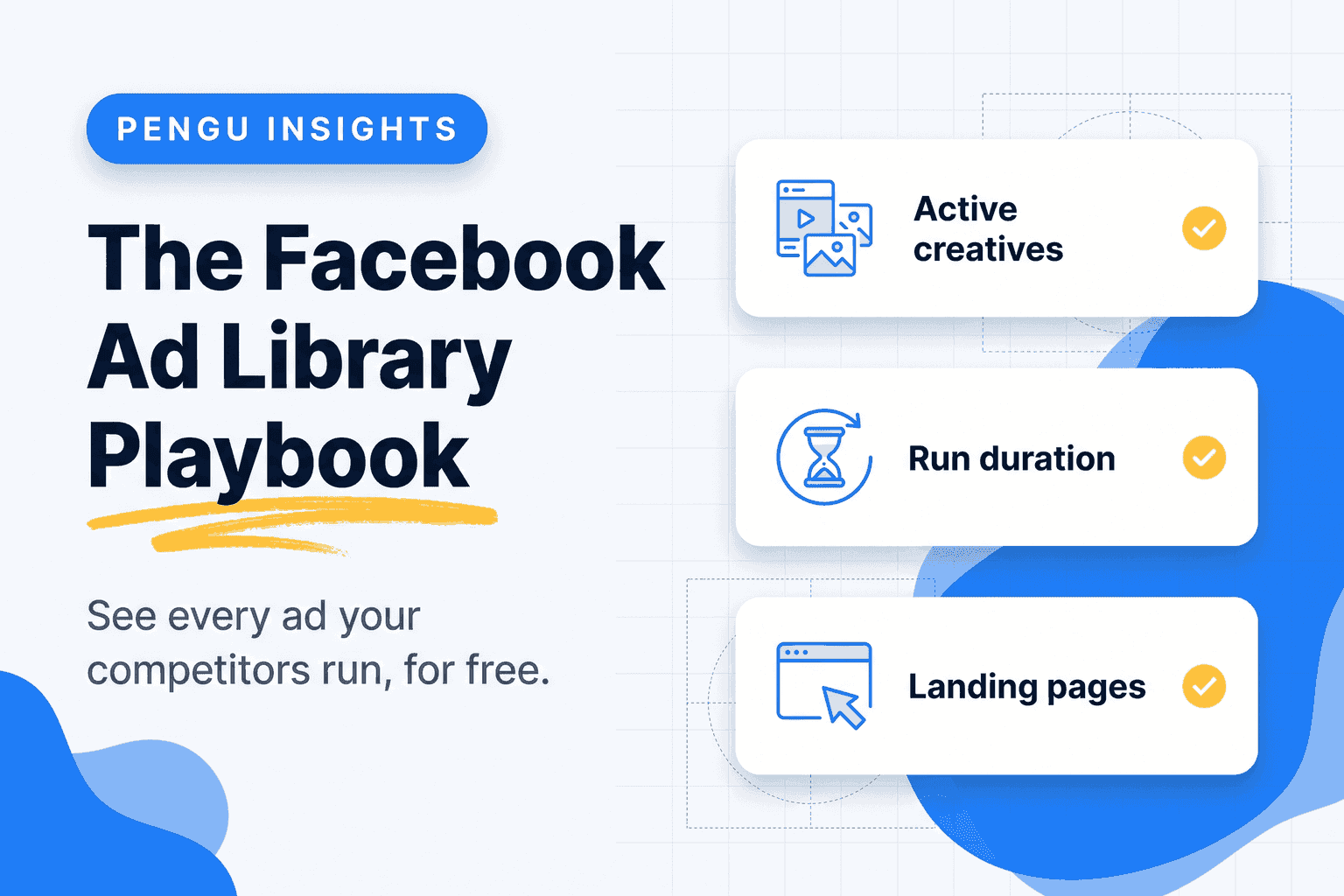
Open facebook.com/ads/library, pick a country, choose "All ads", and type a brand name. For each ad you get:
- The full creative: image, video, carousel, or catalogue
- The primary text, headline, and call to action
- The date it started running
- The platforms it appears on (Facebook, Instagram, Messenger, Audience Network)
- How many variants share the same copy, shown as "Uses this creative and text"
That last line matters more than it looks. A brand running eleven variants of one hook is not experimenting. It is scaling something that already works.
What the library hides, and the workarounds
Meta publishes spend, impressions, and audience demographics only for ads about social issues, elections, or politics. For a DTC brand or a B2B SaaS, you get no budget figure at all.
Three proxies get you close:
- Run duration. Performance ads get killed fast when they lose money. Anything alive past sixty days is carrying weight.
- Variant count. More variants of the same concept means more budget behind that concept.
- Placement spread. An ad running on all four platforms is usually on Advantage+ placements with a real budget, not a manual test.
How to search the Facebook Ad Library by advertiser, domain or keyword
Search by Page, not by keyword
Keyword search returns everything containing that word across thousands of advertisers. Searching the exact Page gives you one competitor's full active roster. Start with your five closest competitors and bookmark each Page result.
Change the country filter
The library filters by country, and results differ sharply between markets. A US brand may run twelve creatives in the United States and two in Spain. If you sell in more than one market, check each one separately, or you will benchmark against the wrong campaign.
Filter by media type
Switching between image, video, and "meme" style creatives tells you where a competitor puts production budget. A brand that shifted from polished video to UGC-style vertical clips has usually seen its CPA move.
Read the landing page, not just the ad
Every ad links somewhere. Click through and note whether it goes to a product page, a quiz, a lead magnet, or a long-form advertorial. The offer behind the ad is the part you can copy legally and profitably. Our guide on how to analyze a competitor website covers what to record once you land there.
Turning ad library research into a creative brief
Browsing is not research. A session is only useful if it ends in a document your designer can execute. Here is the format we use.
Step 1: Log the roster (20 minutes)
For each competitor, record every active ad in a sheet: creative type, hook line, offer, start date, variant count, landing page. Ten competitors will give you between forty and two hundred rows.
Step 2: Cluster by hook, not by brand
Group ads by the promise they make: price, speed, social proof, fear of missing out, founder story, comparison. You will usually find three or four hooks that everyone in your category runs, and one that nobody does. That gap is your test.
Step 3: Rank by survival
Sort by start date. The oldest ads still running are your category's proven messages. If four competitors have each run a "cancel anytime, no contract" angle for over ninety days, that objection is the one your market actually has.
Step 4: Write three briefs
If you are also running paid, Facebook ads with AI covers turning these findings into creative.
One brief that matches the proven hook with your own proof, one that attacks the gap nobody is running, and one that takes a competitor's exact structure with a stronger offer. Ship all three.
Ad library research on a schedule beats a one-off audit
The single biggest limitation of the Meta Ad Library is that it has no memory for commercial ads. When a competitor turns an ad off, it disappears. You cannot ask the library what they ran last winter.
Two ways to solve that:
- Manual: screenshot the roster monthly and file it by competitor. Free, tedious, and reliable for up to five competitors.
- Automated: use a tool that snapshots the library on a schedule and diffs it, so a new creative or a killed campaign shows up as an event rather than something you notice three months late.
Pengu Insights covers the Facebook and Meta ad library inside the same workspace as competitor keywords and organic social, starting at $39 a month, because a creative you find in the ad library usually needs the landing page and the organic content around it to make sense.
The TikTok side of the same job
Meta is not the only transparent platform. The TikTok Creative Center publishes top-performing ads by industry and region, and the TikTok ads library carries the same transparency requirements in the EU. If your category is running vertical video, check both: the same brand often runs a very different hook on TikTok than on Instagram, and the delta tells you how they read each audience.
Common mistakes
- Copying creatives instead of offers. The visual is the easiest part to replicate and the least important. The offer and the objection it answers are what move CPA.
- Assuming a big roster means a big budget. Some brands run forty variants at €20 a day. Duration is a better signal than volume.
- Only checking direct competitors. The brands stealing your attention are often adjacent, not identical. Include the two categories next to yours.
- Researching once. A quarterly audit tells you what worked last quarter. Monthly is the minimum useful cadence.
Frequently asked questions
What is the Facebook Ad Library?
The Facebook Ad Library, now branded the Meta Ad Library, is a free public database of every ad currently running across Facebook, Instagram, Messenger, and the Meta Audience Network. Meta launched it for political ad transparency and later extended it to all advertisers, so you can search any Page and see the creatives it is running right now.
Is the Facebook Ad Library free to use?
Yes. It is free and requires no account for most searches. You only need to log in to view ads about social issues, elections, or politics, which carry extra transparency data such as spend ranges and audience demographics.
Can I see how much a competitor spends on Facebook ads?
Only for political and social issue ads, where Meta publishes spend ranges and impressions. For commercial ads you see the creative, the start date, the platforms, and how many variants are running, but never the budget. Long-running ads with many variants are the best available proxy for spend.
How far back does the Facebook Ad Library go?
Commercial ads disappear from the library once they stop running, so the archive is effectively a snapshot of what is live today. Political and issue ads are retained for seven years. If you want history on commercial creatives, you have to capture it yourself on a schedule.
What is the difference between the Facebook Ad Library and the Meta Ad Library?
They are the same product. Meta renamed it after the corporate rebrand, and both names now point to the same URL. Coverage includes Facebook, Instagram, Messenger, and Audience Network placements.
How do I find winning ads in the Facebook Ad Library?
Search the competitor's Page, filter to active ads, and sort by start date. Ads still running after several months are the ones the advertiser keeps paying for. Then open each one's landing page to see the offer behind it.
Where to go next
Ad research is one layer. Pair it with competitor website analysis and social media monitoring so you can see the full acquisition path: the ad that hooks, the page that converts, and the organic content that keeps the brand in front of the same audience for free.
Written by

Founder of Pengu Insights. Competitive intelligence practitioner for DTC brands and marketing agencies.