Type a competitor domain into three different traffic checkers and you will get three different numbers, sometimes off by a factor of five. That is not a bug. Understanding why is the difference between a competitor analysis that holds up and one that falls apart the first time a client asks a question.
Key takeaways
- For your own site, traffic is measured. For anyone else's, it is modelled.
- Every checker disagrees because each models from a different data mix.
- Below roughly 5,000 visits a month, estimates are close to guessing.
- Channel mix is the number worth acting on. Total visits is the number people quote.
Video: why two traffic checkers never agree
This eight-minute explainer is the clearest short account of where traffic estimates come from, which is the thing most guides skip.
Three things worth taking from it:
- Two kinds of tools, two kinds of numbers. Clickstream tools model traffic from panels of users who share their browsing; tracking-code analytics count visits on a site you own. The first is an estimate about anyone; the second is a measurement about you.
- Panel data is anonymised and aggregated. A single user's clicks mean nothing; millions of them show trends. That is why estimates work for big sites and fall apart for small ones.
- The same check answers different questions for your site and a rival's. For yours: which pages meet their goals. For theirs: which channels and countries carry them, and what to test next.
Keep that split in mind and the disagreement between tools stops being a mystery.
First, split the question in two
There are two completely different jobs hiding under "check website traffic".
Your own site. Google Analytics and Google Search Console are free and see the real thing: sessions, sources, queries, impressions, clicks. Nothing third-party will ever be more accurate, and no paid tool is a substitute.
Someone else's site. No tool has their analytics. Every number you see is a model. The good ones are honest about it.
How to check website traffic in three steps
The routine that gets a defensible number in under five minutes, whether the site is yours or a competitor's.
- Decide which question you are asking. "How much traffic do I get" is answered by your analytics, exactly. "How much traffic does this other site get" is answered by an estimate, roughly. Do not mix the two in one report.
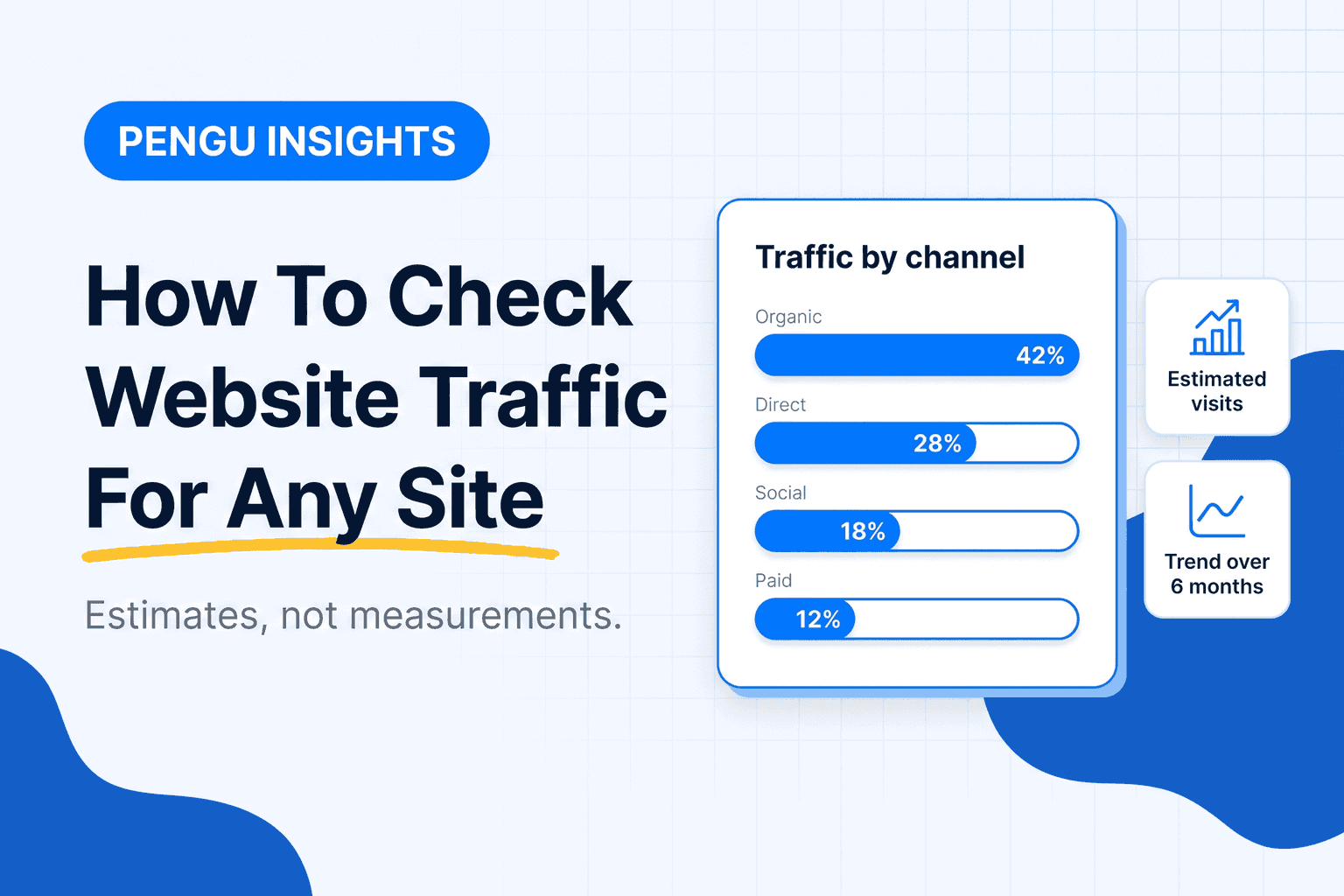
- Run the domain through one traffic checker and note three things: monthly visits, the channel split (search, direct, referral, social, paid) and the top countries. Write the date next to the number; estimates change monthly.
- Cross-check with a second source before you quote it. If two tools disagree by more than 2x, the site is too small for estimates and you should report a range or nothing.
For your own domain, steps 2 and 3 are Google Analytics and Search Console, and the number is exact. For anyone else's, run the domain through our free website traffic checker: search traffic estimate, traffic value, keyword count and the ten keywords that carry it, with the collection date on every figure. Three lookups a day without an account; the traffic checker in Pengu Insights has no cap on the free plan.
How to check the website traffic of other websites
Checking a competitor is the same routine with two extra rules, because you cannot see their analytics and never will.
- Compare, do not quote. "Competitor A gets about twice the traffic of competitor B" holds up. "Competitor A gets 412,000 visits" does not.
- Use the same tool for every competitor in a comparison. Each tool's model is biased in its own direction; the bias cancels when you compare within one tool and compounds when you mix them.
- Check the floor. Below roughly 5,000 visits a month, most models are guessing. Say so in the report.
- Look at the channel split before the total. A rival with 60% direct traffic is winning on brand, not on SEO, and no keyword plan will close that gap.
What a domain traffic lookup returns, and what it does not
A domain traffic lookup, a site traffic lookup and a website traffic checker are the same product with different names. Whatever the tool is called, expect these fields:
| Field | What it is | Trust level |
|---|---|---|
| Monthly visits | Modelled sessions for the domain | Directional, worse on small sites |
| Trend | Change over 3 to 12 months | The most reliable field: direction survives a bad model |
| Channel mix | Share of search, direct, referral, social, paid, email | Good for large sites, rough below 50,000 visits |
| Top countries | Where visits come from | Reliable at the top, noisy in the tail |
| Top pages and keywords | What earns the search traffic | Search-shaped tools do this best |
| Bounce rate and time on site | Engagement estimates | Weakest field; treat as a hint |
What no lookup returns: revenue, conversions, email list size or ad spend. Anything that claims those is inferring them from traffic, and the inference is the weakest number on the page.
How traffic checkers actually build the number
Vendors combine some mix of:
- Panel data, from browser extensions and apps whose users agreed to share behaviour
- Clickstream or ISP data, purchased in aggregate
- Their own search index, estimating organic clicks from ranking positions and CTR curves
- Public signals, like ad libraries and app stores
That is why a tool built on a search index, such as Ahrefs, only estimates organic traffic, while a panel-based tool such as Similarweb attempts direct, referral, social and paid as well.
The tools to check website traffic, and the question each one answers best
Google Analytics and Search Console: your own site, measured
Free, and the only source of truth for your domain. Search Console also reports the queries no competitor tool can see for you. Search Console also gives you impressions and average position, which no competitor tool can see for you.
Similarweb: the whole channel mix
Entry plan around $199 a month monthly, or $125 billed annually (Similarweb). Strongest at answering "where does their traffic come from", including direct and referral. Our Similarweb alternatives post covers when the price is justified.
Semrush and Ahrefs: search-shaped estimates
$139.95 and $129 a month respectively (Semrush, Ahrefs). Both estimate organic traffic from their keyword indexes, which makes them excellent for keyword gaps and weaker for total traffic.
Pengu Insights: traffic plus the social and ad layer
Ours. The traffic checker is included from $39 a month with competitor keywords, Instagram, TikTok and LinkedIn intelligence, and the Facebook ad library. The point is not a better estimate. It is that the estimate sits next to the content and ads that explain it.
How to read an estimate without fooling yourself
Four rules that keep you out of trouble:
- Compare, do not quote. "Roughly twice our traffic" survives scrutiny. "412,000 visits" does not.
- Respect the floor. Under 5,000 monthly visits, most models are noise.
- Watch the trend. A 40% drop across three months is real signal even when the absolute number is wrong.
- Triangulate. If two independent tools disagree by 5x, neither is usable for that domain, and you should say so rather than picking the flattering one.
What to do with the number once you have it
Traffic on its own changes nothing. The sequence that produces decisions:
- Check the channel split. A competitor at 60% direct is winning on brand, not SEO, and copying their blog will not close the gap.
- Find the pages carrying it. Usually five to ten URLs carry most organic traffic. Those are the ones to study.
- Map the keyword overlap. What they rank for and you do not is your content plan for the quarter.
- Look at what they pay to promote. Organic and paid together tell you what converts. The Facebook ad library is free and shows every live creative.
- Write down three actions. An audit that ends in a number is a report. An audit that ends in three actions is work.
Our full workflow is in how to analyze a competitor website, and AI marketing tools covers what to automate once the process is repeatable.
Common mistakes
- Quoting an exact figure to a client. You are quoting a model. Say "estimated" or eventually you will be corrected in a meeting.
- Comparing tools instead of competitors. Pick one tool and stay in it. Cross-tool comparisons measure vendor methodology, not market share.
- Ignoring seasonality. A December spike on a retail site is not a strategy insight.
- Checking once. A single snapshot cannot tell you whether a rival is growing or dying, which is the only thing you actually needed to know.
To check the traffic of any domain right now, use the Traffic Checker in Pengu Insights. Free plan, no card.
Frequently asked questions
How do I check the traffic of any website?
For your own site use Google Analytics and Search Console, which measure real visits. For a site you do not own, use a traffic checker such as Similarweb, Semrush, Ahrefs or Pengu Insights, and treat the result as directional.
Can I check website traffic for free?
Yes, within limits. Free tiers give a handful of domain lookups a month. For your own domain, Analytics and Search Console are free and measured.
Why do traffic checkers show different numbers for the same site?
Because none of them can see the site's analytics. Each models from a different mix of panel, ISP and index data, and the divergence grows as sites get smaller.
How accurate are website traffic estimates?
Reasonable for large sites, poor below roughly 5,000 monthly visits. Use them to compare competitors or watch a trend, not to quote a count.
What is the best free website traffic checker?
For your own site, Google Analytics, because it is measured rather than modelled. For competitors, whichever free tier covers your monthly lookups.
How do I check the traffic of another website for free?
Type the domain into a free traffic checker and read three fields: monthly visits, channel split and top countries. Free tiers allow a few domains a month. Treat the visit figure as a range and use the same tool for every competitor you compare.
What is the difference between a domain traffic lookup and website analytics?
A lookup estimates traffic for any domain from panel and clickstream data. Analytics measures traffic on a site you own with a tracking code. The first is directional and works for competitors; the second is exact and only works for you.
Written by

Founder of Pengu Insights. Competitive intelligence practitioner for DTC brands and marketing agencies.